
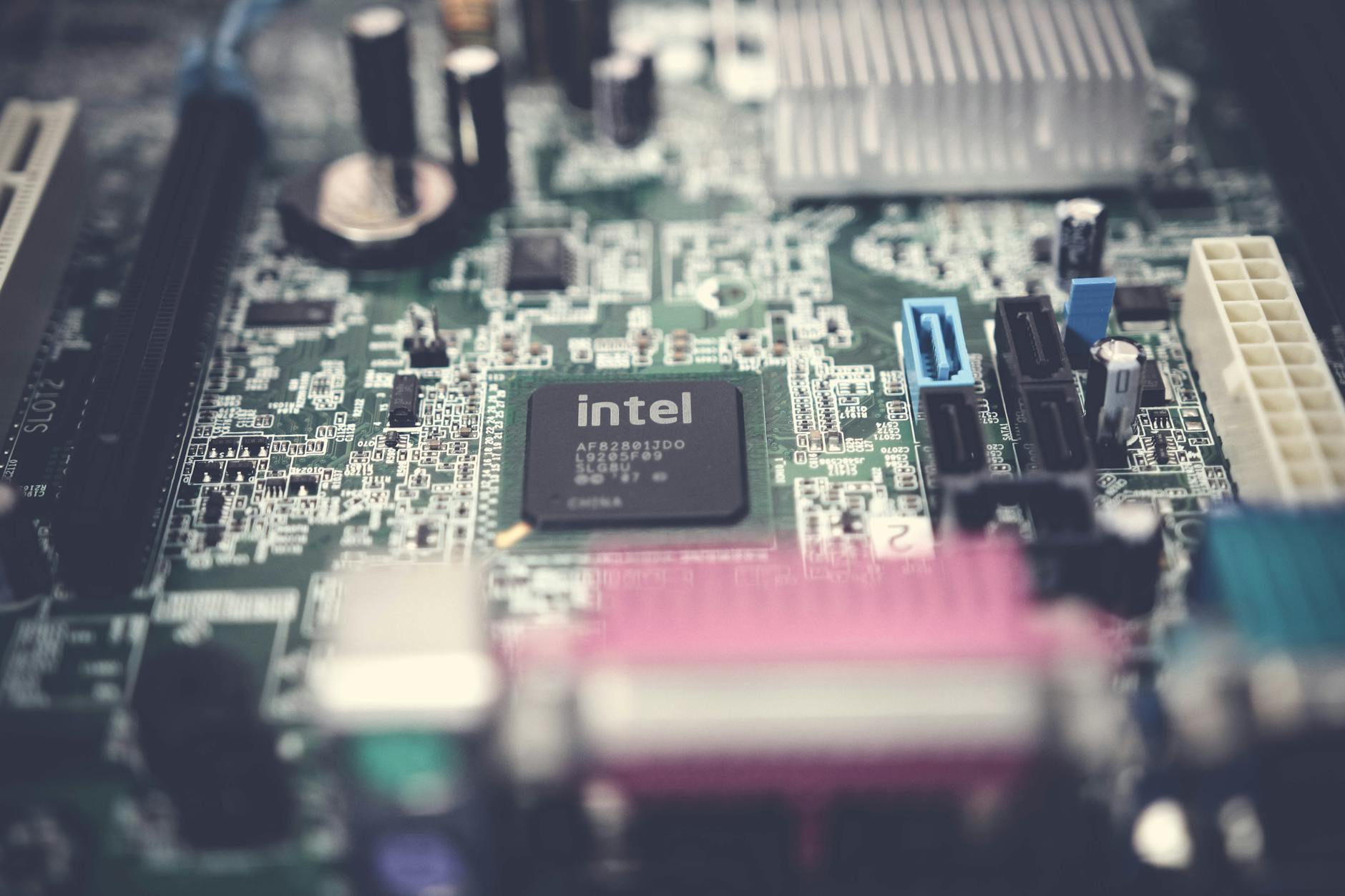
The kernel is the most fundamental piece of software on any computer. Every time you open an app, save a file, or connect to the internet, the kernel is the component that makes that action possible. It sits between the hardware and everything else, translating requests from programs into instructions the physical machine can execute. Without it, your computer is just expensive metal.
What the kernel actually does
At its core, the kernel manages four things: processes, memory, device drivers, and system calls.
A process is any running program. Your browser, your music player, your file manager are all processes. The kernel decides which process gets CPU time, for how long, and in what order. This scheduling happens thousands of times per second. It's why you can stream music and type a document at once, even on a machine with a single processor core.
Memory management is equally critical. Every program needs RAM to run, but programs don't get to grab whatever memory they want. The kernel allocates memory to each process and keeps them isolated from each other. This isolation is what stops a crashing app from taking down your entire system. If you've ever wondered why a memory leak slows your software down, it's because the kernel can't reclaim memory the program refuses to release.
Device drivers let the kernel talk to hardware: your keyboard, display, storage drive, network card. The kernel handles this communication through a standardised interface so software developers don't need to write code for every brand of graphics card on the market.
Kernel space vs user space
One of the most important concepts in operating system design is the split between kernel space and user space. It's a security boundary, not a physical one.
Kernel space is where the kernel itself runs, with full, unrestricted access to all hardware. User space is where your applications live. They can't touch hardware directly. Instead, they make a system call, a formal request to the kernel, asking it to perform the action on their behalf.
This separation matters enormously. A bug in a user-space app can crash that app. A bug in the kernel can crash everything. That's why kernel code is among the most carefully audited software in existence, and why most developers never need to write any.
Types of kernels
Not all kernels are built the same way. Two main architectures dominate.
A monolithic kernel bundles all core services, including drivers, file systems, and memory management, into a single block of code running in kernel space. Linux uses a monolithic kernel. It's fast because everything talks directly to everything else, with no message-passing overhead. The trade-off is that a bug in any subsystem can theoretically affect the whole kernel.
A microkernel keeps the core tiny. Only the absolute minimum runs in kernel space: process scheduling and basic inter-process communication. Everything else, drivers, file systems, networking, runs in user space. If a driver crashes, the kernel survives. macOS and Windows use hybrid designs that borrow ideas from both approaches.
The debate between monolithic and microkernel design is genuinely old. Linus Torvalds and Andrew Tanenbaum argued about it publicly in 1992, and the Linux kernel has since become one of the most widely deployed pieces of software in human history, running everything from Android phones to the world's fastest supercomputers.
How the kernel relates to the operating system
People often use "kernel" and "operating system" interchangeably. They aren't the same thing. The kernel is one part of an operating system. The rest includes the shell, system libraries, user interface, and bundled tools.
Think of how an operating system works as a layered cake. The hardware is the plate. The kernel is the bottom layer. Everything you actually see and touch sits on top of that. Ubuntu, Fedora, and Debian are all different operating systems built on the same Linux kernel.
This distinction matters for security. When a vulnerability is found in the Linux kernel, it affects every distribution built on it. A patch has to flow through the kernel project first, then into each distribution's release cycle. That process can take days or weeks, which is why kernel-level exploits are so serious when they're discovered.
Why kernel security matters to ordinary users
Kernel vulnerabilities are a different category of threat from the exploits most people hear about. A zero-day exploit targeting kernel space gives an attacker the highest possible level of access to your machine. Normal account permissions don't apply. Antivirus software, running in user space, can't see or stop code executing at the kernel level.
Attacks that achieve this are called privilege escalation exploits. The attacker starts with limited user-level access, then exploits a kernel flaw to gain root or administrator control. From there, nothing on the machine is off limits.
Keeping your operating system updated is, in large part, keeping your kernel patched. Most Australian users set their devices to update automatically, which is the right call. The patches that matter most are often the ones for components you've never heard of.
The kernel you're already using
If you're on a Mac, you're running XNU, Apple's hybrid kernel, first released with macOS X in 2001. On Windows, you're running the NT kernel, which dates back to Windows NT 3.1 in 1993 and has been continuously developed since. On an Android phone, you're running a modified Linux kernel. On an iPhone, XNU again.
Every one of these kernels is running right now, invisibly, making thousands of decisions per second on your behalf. The fact that it all feels effortless is the point.