
A local area network, almost always shortened to LAN, is a group of devices connected to each other within a single physical location. Your home network is a LAN. So is the network inside a school, a hospital, or a warehouse floor. The word "local" is doing serious work in that name: a LAN covers a building or a campus, not a city or a country. Everything that makes it possible for your laptop to print to a shared printer, or for an office PC to access a file server down the hall, runs through a LAN.
What a LAN actually does
A LAN does two things. It lets devices talk to each other, and it gives those devices a shared path to the internet. The first part is often forgotten. Before a single byte of data leaves your building, it moves across your local network first. When you stream a movie, a request travels from your phone to your router via the LAN, and only then heads out to the wider internet. Understanding that two-step journey changes how you think about network speed and where problems come from.
Every device on a LAN gets assigned an IP address. Most home and small business LANs use private address ranges, typically starting with 192.168.x.x. Your router manages this assignment automatically using a protocol called DHCP (Dynamic Host Configuration Protocol). The router also acts as the gateway: it knows which traffic belongs inside the LAN and which needs to leave for the internet. Traffic that stays local never touches the internet at all, which is part of why internal file transfers feel so fast.
Wired vs wireless LANs
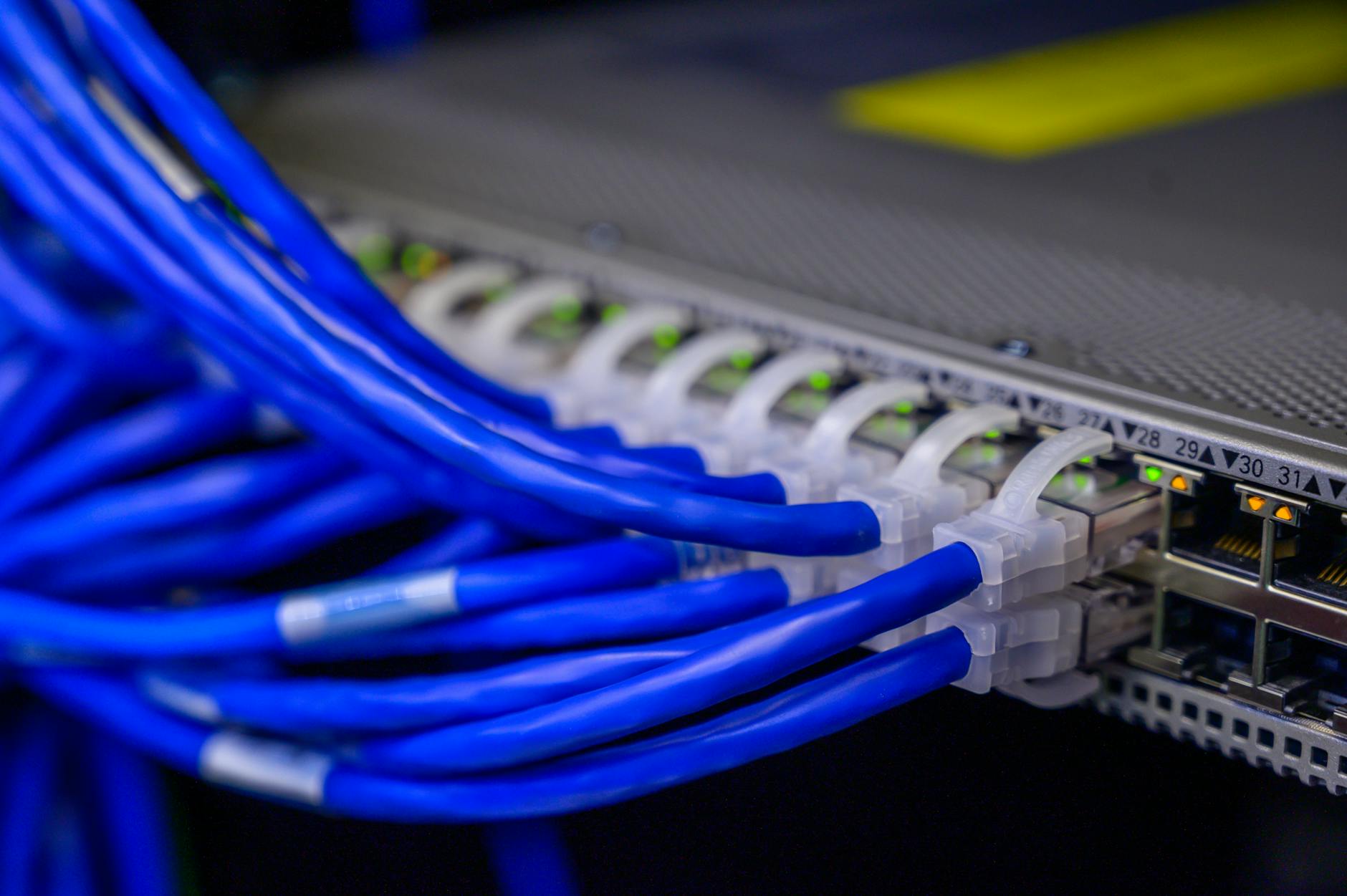
A LAN can be wired, wireless, or both. Wired LANs use ethernet cables, typically Cat5e or Cat6, to physically link devices to a switch or router. Ethernet connections are reliable, fast, and hard to intercept. A standard Cat6 cable supports speeds up to 10 gigabits per second over short distances. That's why desktop computers in offices are usually plugged in rather than relying on Wi-Fi.
Wireless LANs, sometimes called WLANs, use radio signals instead of cables. Your Wi-Fi router is the heart of a wireless LAN: it broadcasts a signal that devices connect to without any physical link. Wi-Fi is convenient but introduces variables that cables don't. Signal strength drops with distance, walls absorb radio waves, and neighbouring networks can cause interference. That's why a wired connection almost always outperforms wireless for raw throughput, even when the Wi-Fi signal looks strong.
Most modern home and business networks are hybrid: a router handles Wi-Fi for phones and tablets, while desktops and smart TVs plug directly into the router or a separate switch via ethernet.
Switches and how traffic moves
In a LAN with more than a couple of devices, a network switch usually sits between those devices and the router. A switch is a box with multiple ethernet ports that connects wired devices to each other. It's smarter than it looks. Unlike older network hubs, which broadcast every packet to every connected device, a switch reads the hardware address (called a MAC address) of each device and sends data only to the right destination. This keeps the network efficient as more devices join.
When device A sends a file to device B on the same LAN, the traffic goes from A to the switch, and the switch sends it directly to B. The router isn't involved at all. That direct path is why moving a large file between two computers on the same network is faster than uploading it to the cloud and downloading it again.
How a LAN connects to the internet
The router bridges your LAN and the internet. It performs a process called Network Address Translation, or NAT: it takes the many private IP addresses on your LAN and maps them all to the single public IP address your internet service provider gives you. From the outside, every device in your home looks like one address. From the inside, each device has its own. This is how tens of billions of devices share a much smaller pool of public addresses globally.
When data comes back from the internet, the router inspects it and routes each packet to the correct device. This is also where most home routers include a basic firewall, blocking unsolicited incoming connections from reaching your devices by default.
Security on a LAN
Because every device on a LAN can reach every other device, a compromised device is a risk to the whole network. This is why separating devices into different network segments, called VLANs (virtual LANs), matters in offices and is increasingly worth doing at home. A VLAN lets you keep your smart home devices on a separate logical network from your laptop, so a vulnerable smart bulb can't reach your banking files.
Wireless LANs carry additional risks. Anyone within range of your Wi-Fi signal can attempt to connect. Using WPA3 encryption (or WPA2 where WPA3 isn't available) makes that much harder. Weak passwords and outdated router firmware are the two most common ways home LANs get compromised. If you want to go further, using a VPN adds another layer between your devices and the open internet, though it doesn't replace good LAN hygiene.
LAN vs WAN: the key difference
A WAN, or wide area network, connects LANs across large distances. The internet itself is the biggest WAN in existence. Your home LAN connects to your ISP's WAN, which connects to the global internet. The distinction matters in practice: problems on your LAN are within your control. A slow internal connection often points to your router, your switch, or the cables between them. A slow connection to a website is usually a WAN issue, somewhere between your front door and the server hosting that site.
Business LANs can span multiple buildings on a campus. These are sometimes called CANs (campus area networks), though most network engineers still call them LANs informally. Once the network stretches to separate cities, it becomes a WAN.
What affects LAN speed
Three factors decide how fast your LAN performs. First is the standard: Gigabit Ethernet (1 Gbps) is common in homes today; 2.5 Gbps and 10 Gbps equipment is available but less common. Second is your hardware: a cheap router with slow internal components creates a bottleneck even if your cables are top-grade. Third is interference on wireless connections: the 5 GHz Wi-Fi band is faster and less crowded than 2.4 GHz, but it doesn't travel as far through walls. Newer Wi-Fi 6 and Wi-Fi 6E routers handle more devices simultaneously with less congestion, which matters in households running a dozen or more connected devices at once.
A LAN isn't glamorous technology, but it's the foundation everything else runs on. Get it right, and the rest of your network life is easier.