
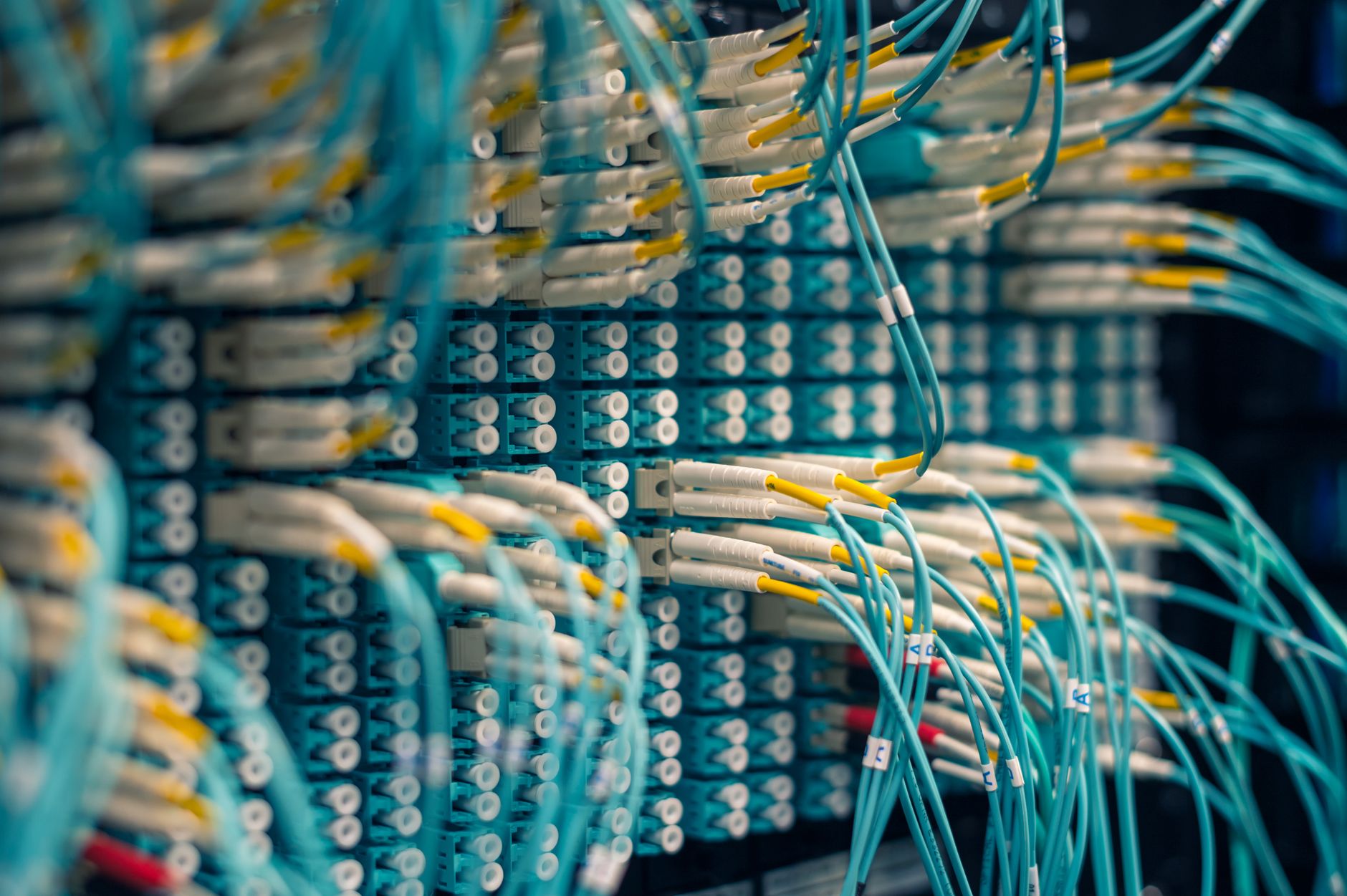
A subnet, short for subnetwork, is a logically defined segment of a larger IP network. It splits one big network into smaller, isolated pieces so that devices can communicate efficiently without sending traffic to every machine on the network at once. Subnetting is a core concept in networking, used everywhere from home routers to large corporate data centres.
Why subnets exist
Early internet design gave every connected device a unique IP address drawn from one massive shared pool. That worked when the internet was small. As networks grew, sending a broadcast message to thousands of devices became slow and wasteful. Subnets solved this by creating boundaries. A broadcast sent inside a subnet stays inside that subnet. Devices outside it don't see the traffic at all.
Security is the other major reason. A subnet lets a network administrator keep sensitive devices, like a hospital's patient records server, on a separate segment from general office computers. Even if one segment is compromised, the attacker can't move freely to the next one without crossing a router. That containment is the entire point.
How IP addresses and subnet masks work together
Every device on a network has an IP address, a string of four numbers separated by dots, like 192.168.1.45. That address has two parts: the network portion and the host portion. The subnet mask tells your device where the dividing line sits.
A subnet mask looks similar to an IP address. A common one is 255.255.255.0. In binary, each 255 is eight ones in a row. The ones mark the network portion of the address; the zeros mark the host portion. So 255.255.255.0 means the first three groups of numbers identify the network, and the last group identifies the specific device.
You'll also see this written in CIDR notation. Instead of writing 255.255.255.0, you write /24, because there are 24 ones in the mask. A /24 subnet holds up to 254 usable host addresses. A /16 holds up to 65,534. The smaller the number after the slash, the bigger the subnet.
A practical example
Imagine a small business with three departments: accounts, sales, and IT. The business has one internet connection and one router, but the network administrator creates three subnets:
- 192.168.1.0/24 for accounts
- 192.168.2.0/24 for sales
- 192.168.3.0/24 for IT
A computer in accounts sends a print job. That broadcast hits only the 192.168.1.0 subnet. Sales and IT computers never see it. If someone in sales wants to access the accounts file server, the traffic has to go through the router, which can apply firewall rules and logging. Nothing crosses the boundary invisibly.
This is exactly what a local area network looks like in practice at a company of any real size. A single flat LAN with no subnets is manageable for a handful of devices. At 50 or 100 devices, it becomes noisy and harder to secure.
How routers handle subnets
Routers are the gatekeepers between subnets. When a device sends data to an address outside its own subnet, the packet goes to the default gateway, which is almost always the router's IP address on that subnet. The router checks its routing table, figures out which subnet the destination belongs to, and forwards the packet accordingly.
This is different from a switch, which only moves traffic between devices on the same subnet using MAC addresses. A router works at a higher level, reading IP addresses and making decisions across subnet boundaries. Understanding this distinction explains why swapping a switch for a router changes what traffic can flow where.
That same principle underpins how a Wi-Fi router in your home creates a small subnet automatically. Your router assigns addresses in a range like 192.168.0.1 to 192.168.0.254, and every device in your house sits on that same /24 subnet. Your internet provider's network sits on a completely different subnet, and your router bridges the two.
VLSM: making subnets fit the actual need
Variable Length Subnet Masking, or VLSM, lets network administrators create subnets of different sizes within the same address space. Instead of giving every department a /24 with 254 addresses when accounts only has 12 computers, VLSM lets you assign accounts a /28 (14 usable addresses), saving the remaining address space for where it's actually needed.
This matters because IPv4 addresses are a finite resource. The global IPv4 pool ran out of unallocated blocks back in the 2010s. VLSM lets organisations get maximum use from the address ranges they already own. It's one reason why professional network design is still a specialised skill, not something a default router setting handles on its own.
Subnets and security
Subnetting is one layer of a broader network security approach. It doesn't replace a firewall, but it works alongside one. A firewall controls which traffic is allowed to pass between subnets. Without subnets, there are no clean boundaries for a firewall to enforce. The two technologies depend on each other.
Segmentation also limits the blast radius of a network intrusion. If an attacker gains access to a device on the sales subnet, they're contained there unless they can also breach the router and any firewall rules blocking access to the accounts or IT subnets. That's a far harder problem than simply moving from one computer to the next on a flat network.
IPv6 and subnetting
IPv6 uses the same subnetting logic but with a 128-bit address space instead of 32-bit. The address pool is so large that the scarcity problems of IPv4 largely disappear. A standard IPv6 subnet assignment for a home or business is a /64, which gives 18.4 quintillion possible host addresses on a single subnet. The concept of splitting networks into segments still applies; the addresses just look different, written in hexadecimal groups separated by colons.
Most Australian internet providers now assign IPv6 addresses alongside IPv4, so home routers handle both simultaneously. The underlying subnetting principles remain the same regardless of which version the packet is using.
What subnets mean for everyday users
If you've ever noticed that two devices on your home network can see each other but a device connected to a guest Wi-Fi network can't, that's subnetting in action. Home routers create a separate subnet for the guest network. It's a simple security feature. Visitors can reach the internet, but they can't access your printer, your NAS drive, or anything else on your main subnet.
Subnets aren't exotic. They're running on nearly every network you connect to, shaping what can talk to what and keeping traffic organised at a level that most users never need to think about.